Print labels from Excel without Word mail merge
Looking for a way to mail merge labels from Excel? AzureLabel connects directly to your Excel spreadsheet, so you can create a label design once and print different data from each Excel row — without setting up a mail merge in Microsoft Word.
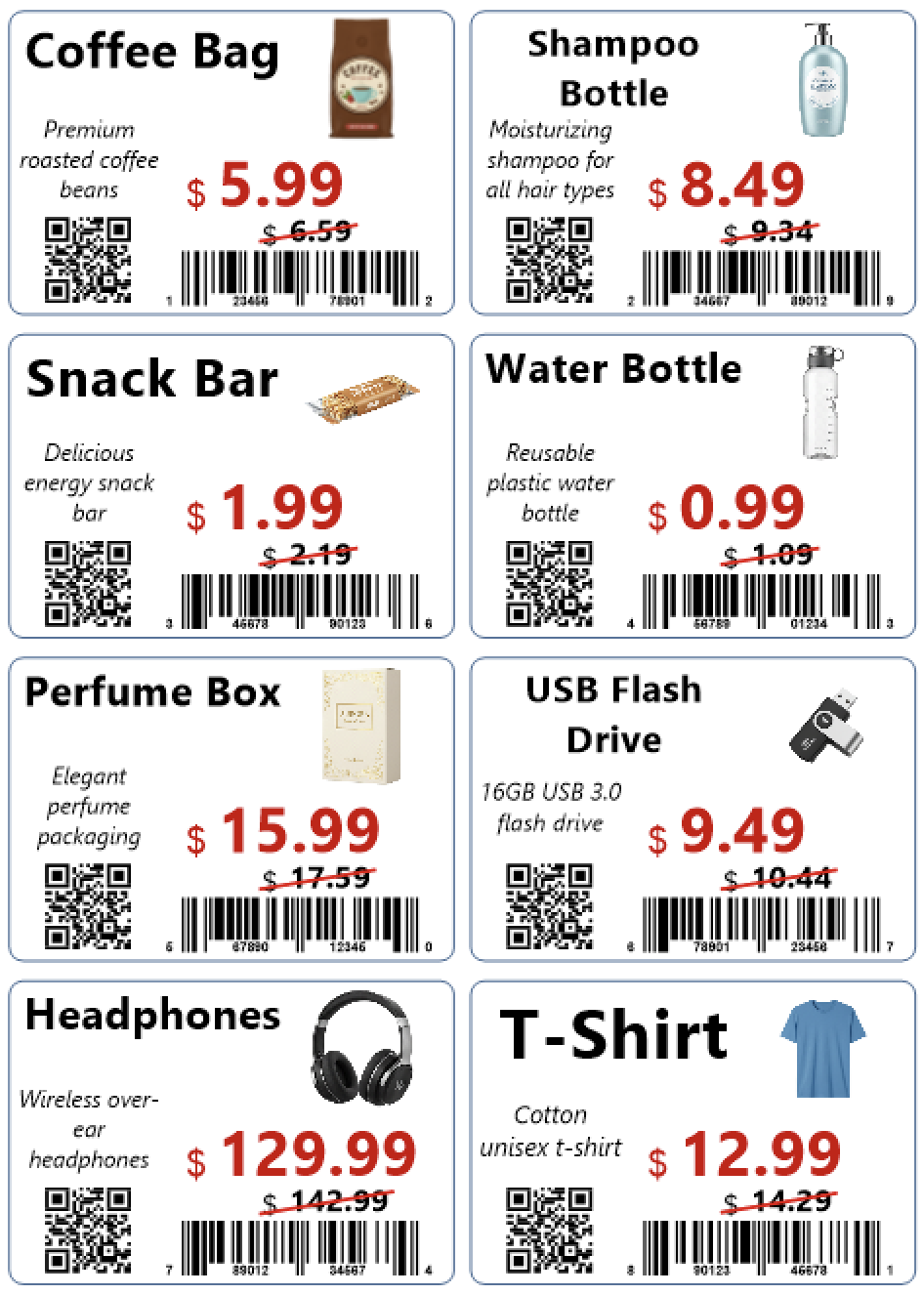
Print labels directly from Excel
No Word mail merge required

Connect your Excel spreadsheet directly to AzureLabel and use its data in your label design.
One design, different labels

Create the label once. Each Excel row can supply different product names, descriptions, prices, SKUs, images, and other information.
Generate barcodes from Excel

Create more than 90 barcode types from your Excel data, including UPC, EAN, Code 128, QR Code, Data Matrix, and many others.
Use product images from Excel

Display different product images on each label using image file paths, URLs, or images stored directly in the spreadsheet.
Choose which Excel rows to print
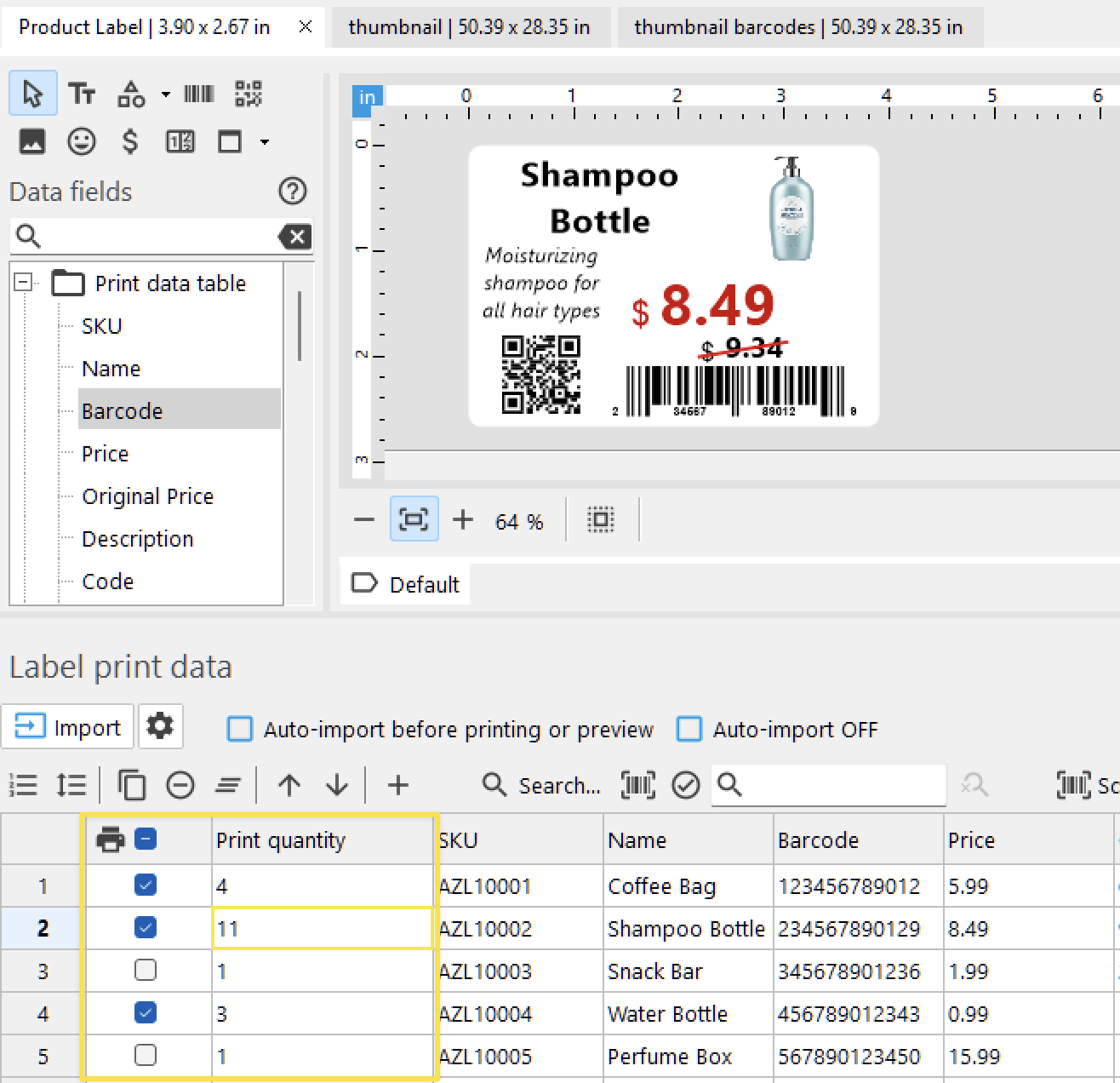
Select the Excel rows you want to print, set the print quantity for each row, and edit field values such as prices when needed.